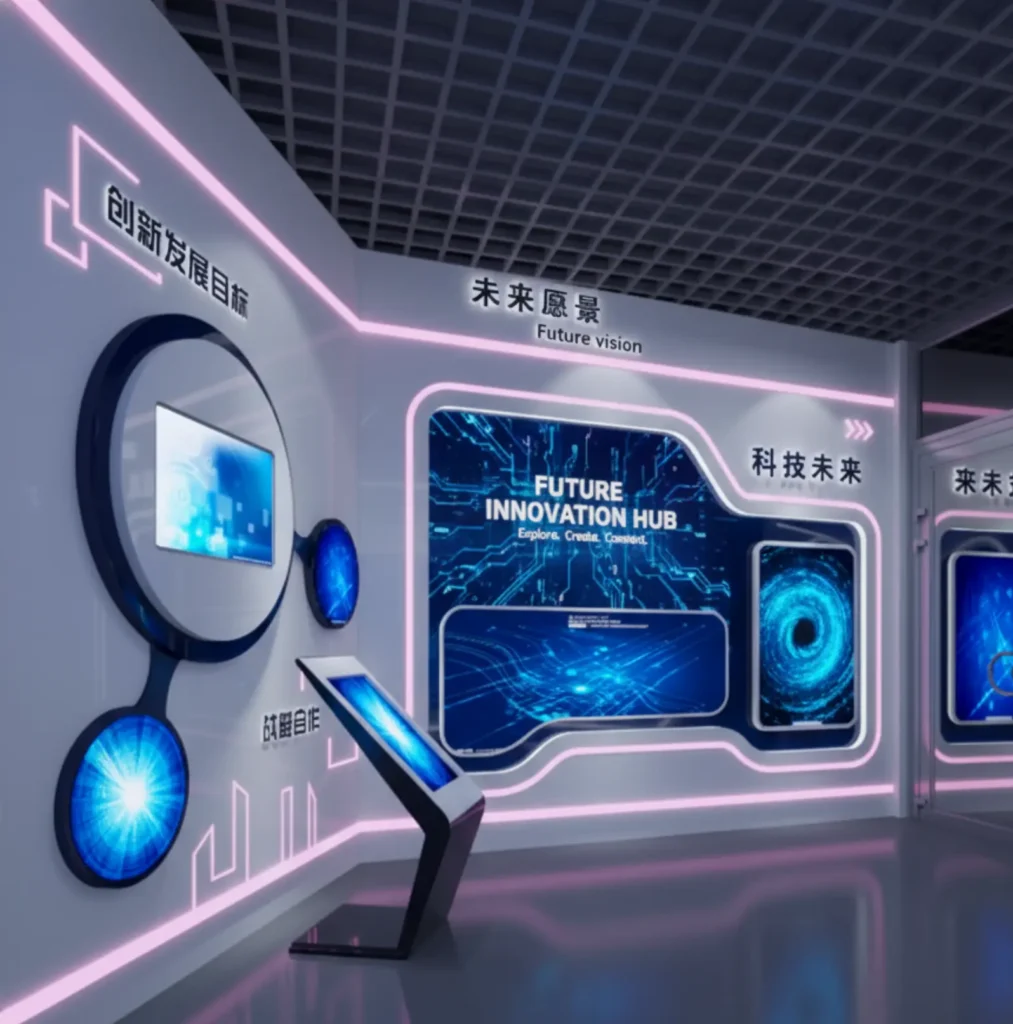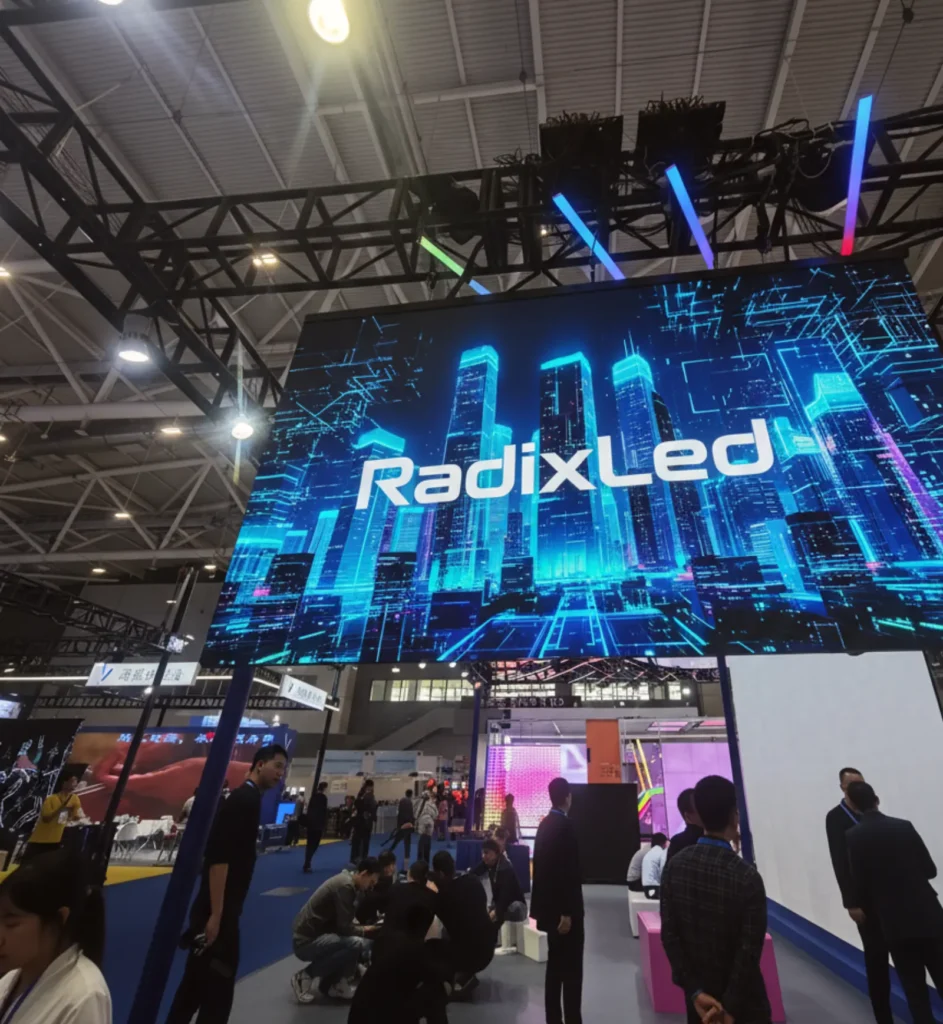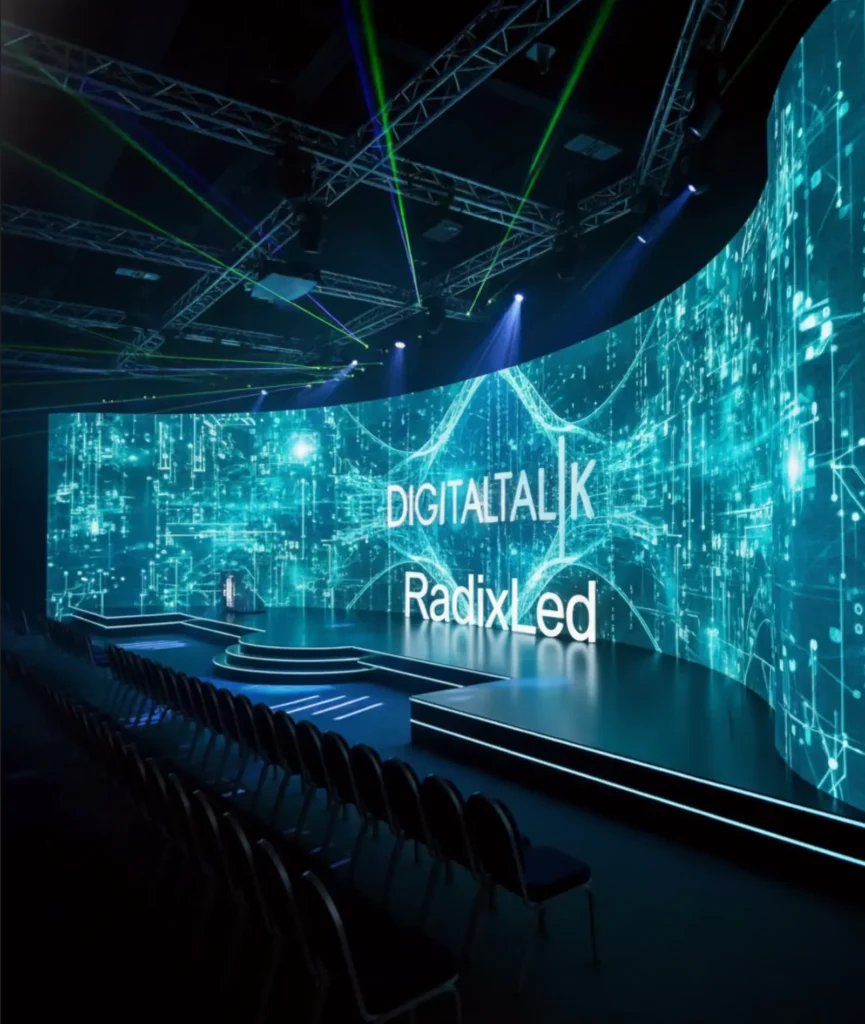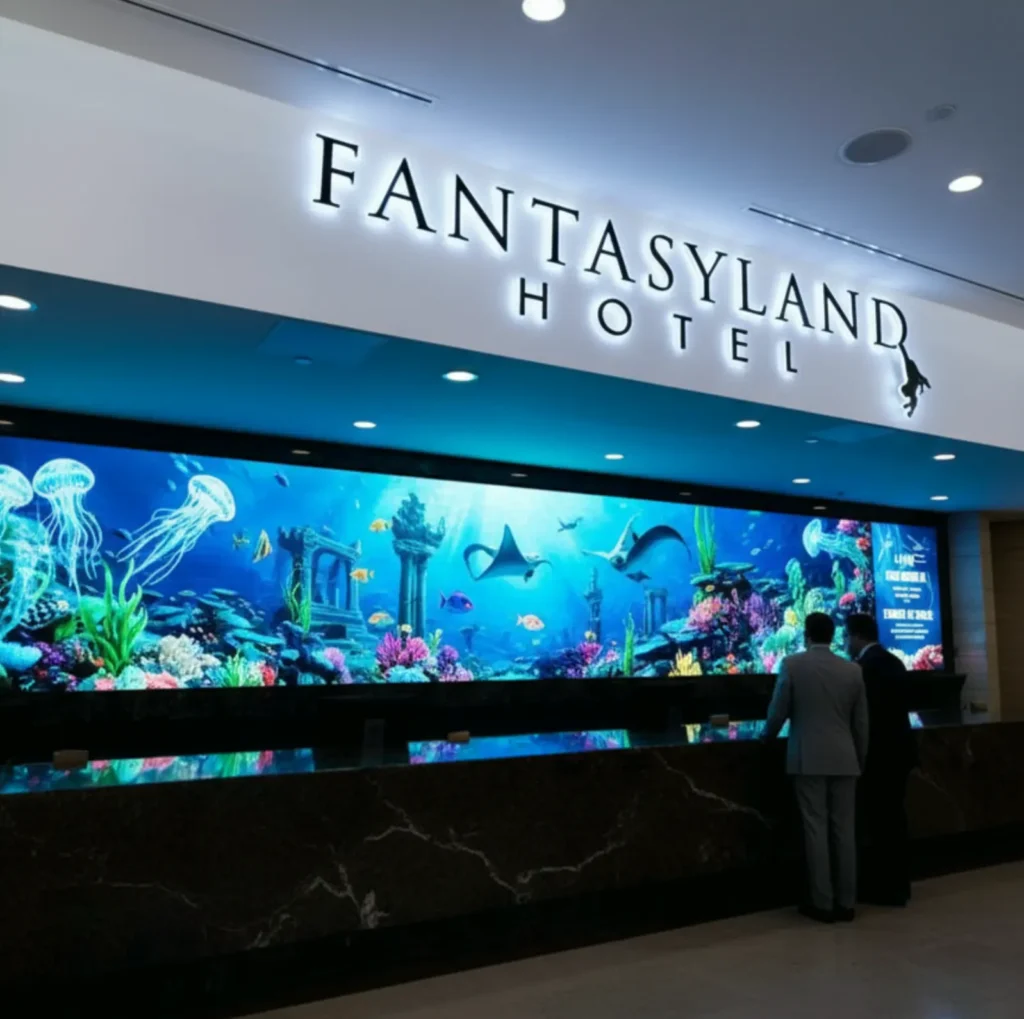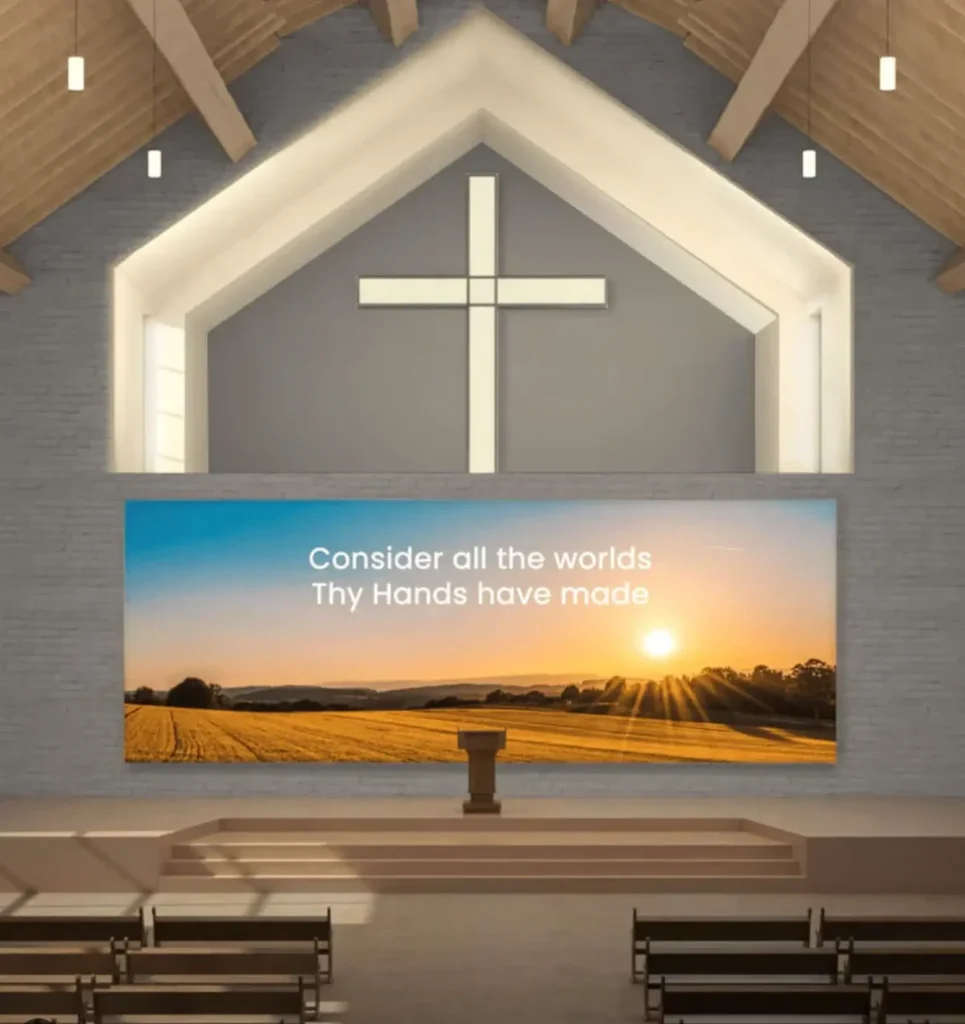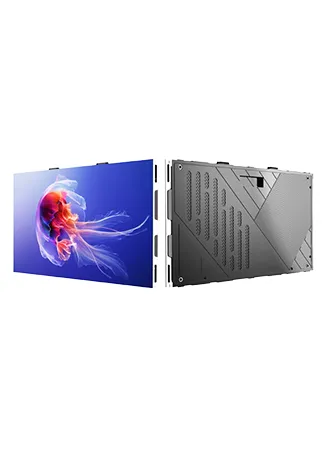
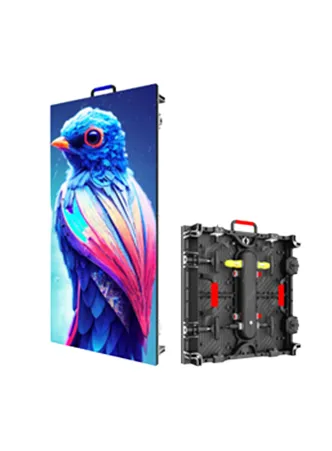
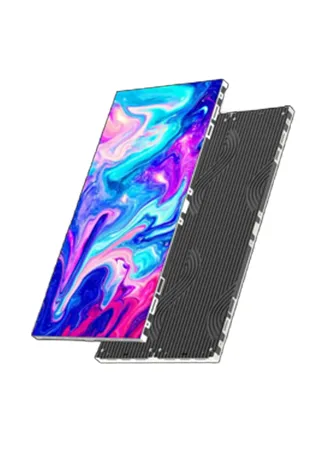
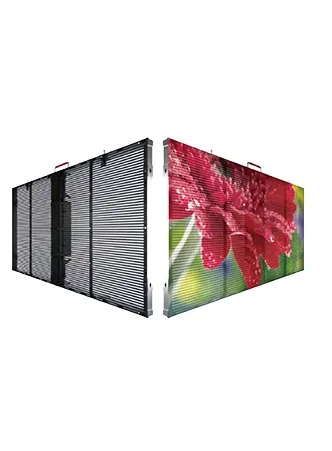
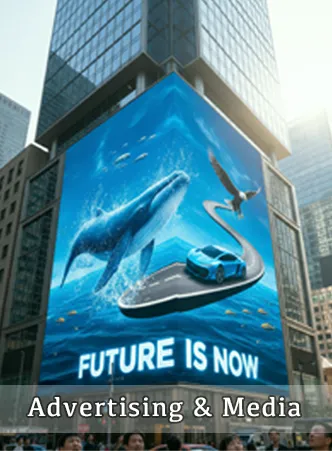
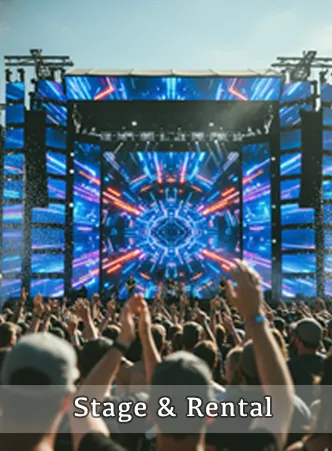
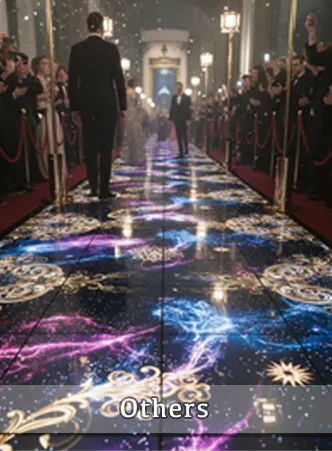

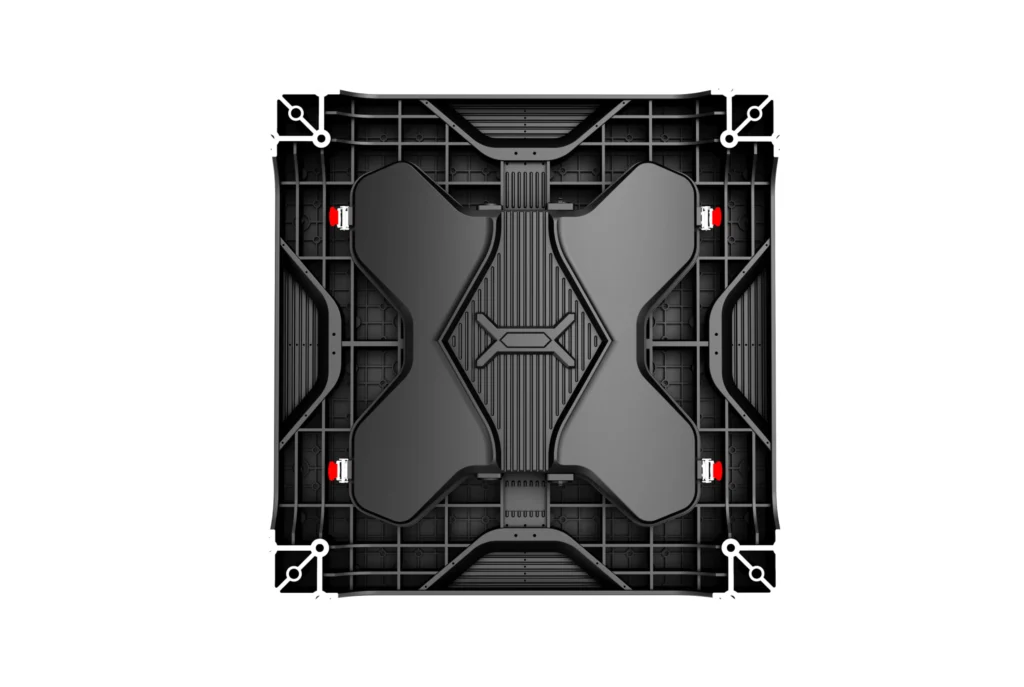
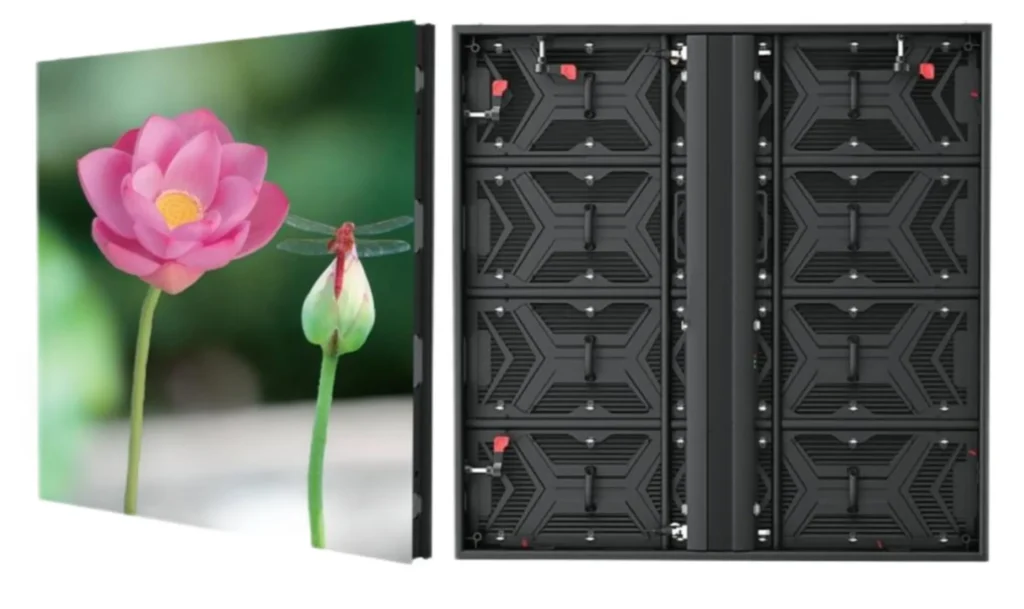
LED screens in education promote collaboration and interactivity among students. They allow students to directly engage with the material, whether it’s solving problems, drawing diagrams, or academic reports. Teachers can utilize LED displays to facilitate group projects and discussions, displaying students’ work for peer review and collective brainstorming sessions.
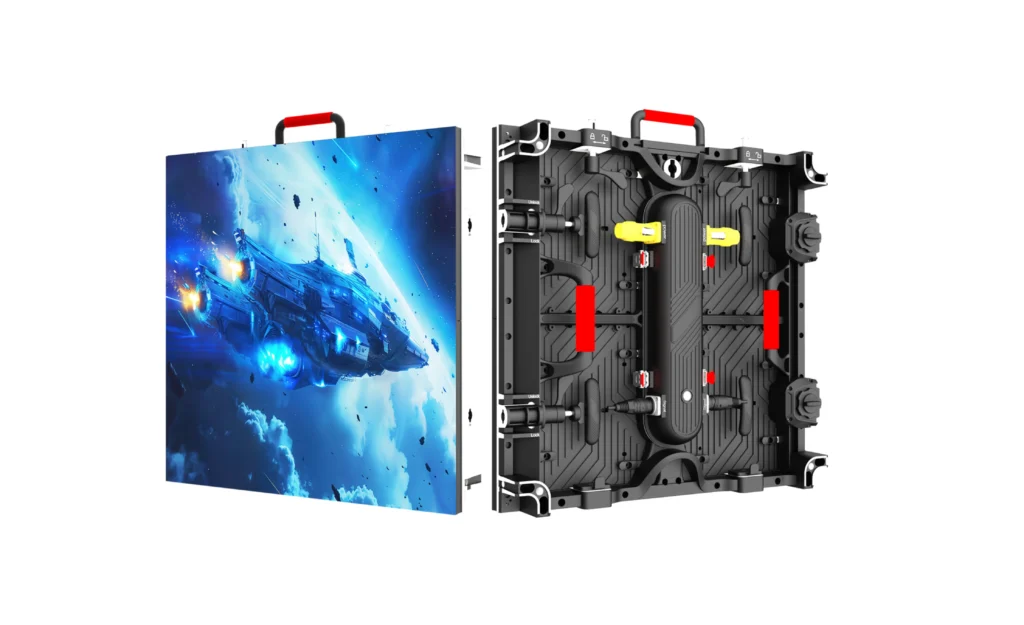
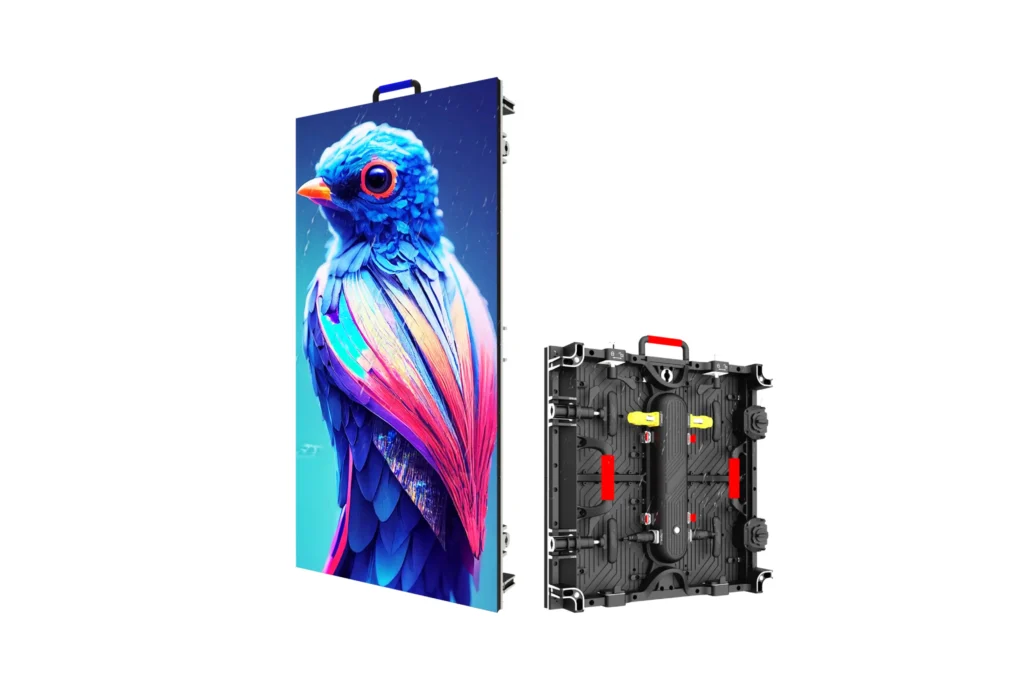
- High brightness, high greyscale level
- Wide viewing angle. 160-degree visibility
- Multiple control ways WIFI/LAN/4G/USB
- Highly stable driver ICs for better color uniformity and vibrant images
- Designed with the latest SMD/GOB encapsulation, offering an excellent full-color present.
- High contrast ratio over 5000:1 to deliver vibrant colors.
- High refresh rate with over 1920hz to 7680Hz to allow flicker-free
- High-definition visual performance.
- Support multiple display formats such as text, image, video, docs, etc
- Pixel pitch P10, P8, P5, P4, P2.5, P2, P1.25, P1.5, P1.8, P1.6, P1.9 etc available.
Why You Need LED Display for Education?
The LED education display enhances teaching and learning experiences while streamlining communication within the institution.
Improved Student Engagement
LED displays hold students’ attention better than traditional whiteboards or printed materials ever could. Classroom visuals are clearer and more engaging, which helps improve comprehension and retention of information.
Ease of Content Delivery
LED screens allow teachers to effortlessly showcase a wide range of multimedia content, such as videos, images, and presentations. The flexibility to seamlessly switch between different types of content enhances lesson planning and keeps students engaged.
Real-Time Communication Across Campuses
For larger schools, LED displays are an excellent tool for disseminating information such as emergency updates, event announcements, activity schedules, and more — all updated in real time for maximum efficiency.
Broad Applicability Beyond the Classroom
Education LED displays are not just for classrooms; they can transform libraries, lecture halls, and auditoriums, serving diverse functions like event broadcasting, training, and campus-wide announcements.
Cost-Effectiveness in the Long Run
While initially more expensive than alternatives like projectors, LED displays have a much longer lifespan and require less frequent maintenance. This makes them a cost-effective solution in the long term.
Sustainability and Eco-Friendliness
LED technology is energy-efficient and operates at lower power consumption levels. Saving cost and electricity bill.
Related Products
XR Series
R Series Outdoor
R3 Series Outdoor
LED Dance Floor
Double-sideed
Ti Series
Where to Install Education LED Screen
School Lobby or Entrance
The lobby or entrance of a school is its gateway - a high-traffic area where teachers, students,parents, and visitors pass through daily. Due to the volume of people in this space, it is a prime location for an education LED display.
What It can display:
- Show the school's brand image, advantages, and teaching philosophy.
- Share important school announcements, news, and welcome messages for visitors.
- Boost the school's image, creating a professional impression right from the entry point.
Classrooms or Lecture Halls
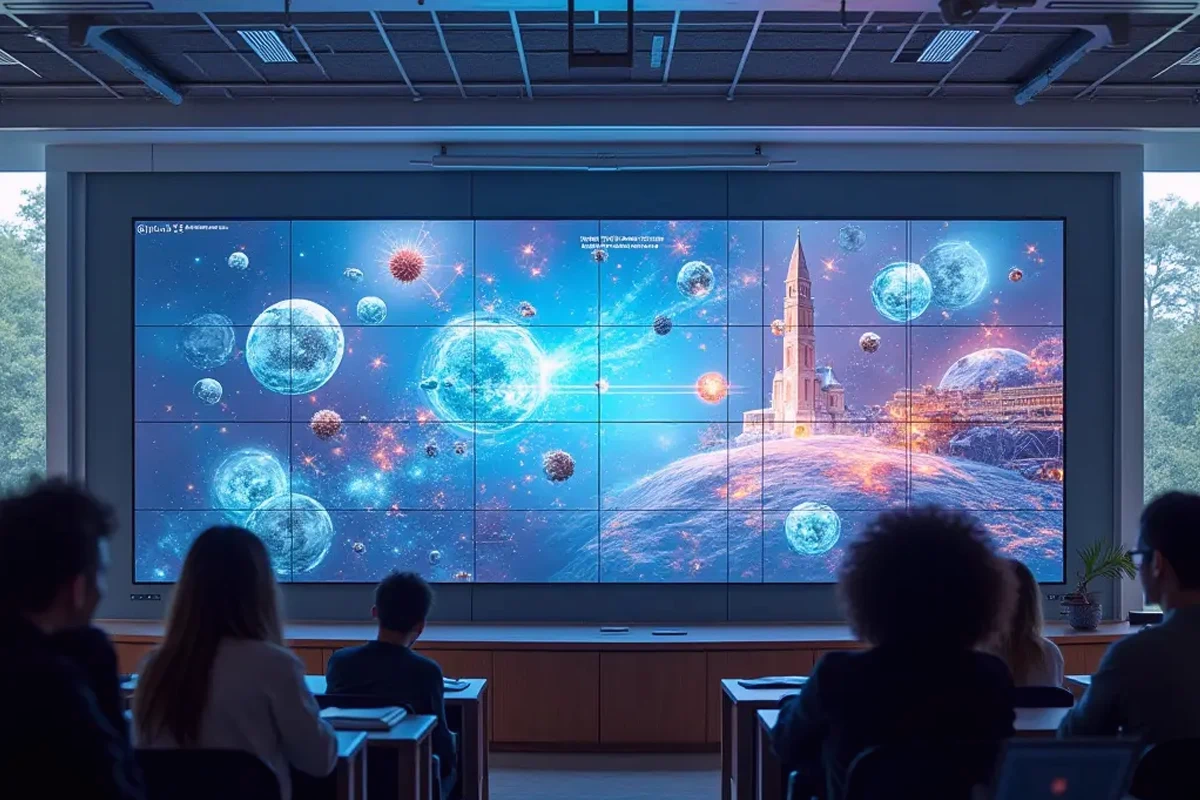
Classrooms and lecture halls are the heart of education-they are where most of the learning and teaching occurs. Installing education LED displays in these spaces signiticantly enhances the learning environment.
What It can do:
- Directly supports daily classes and learning sessions.
- Help teachers deliver lessons in more dynamic and effective ways while enabling flexible multimedia usage.
- Can replace traditional whiteboards or projectors, providing ultra-clear visuals to display presentations, videos, and lessons
Libraries or Reading Rooms
Libraries and reading rooms are quieter areas where students go to study, research, or relax with books. Adding an LED display in these spaces offers a focused, resource-enhancing tool.
What lt can display:
- Can feature helpful information like recommended reading lists, school achievements, or guides to using library resources.
- Can also be used to promote book fairs, upcoming events, or new research tools.
- Display library layout, and map information.
- Display library and reading room opening and closing times
Gymnasiums or Auditoriums
Gymnasiums and auditoriums are key gathering spots in schools, hosting various events such as sports competitions, cultural programs, and larger meetings. These areas are ideal for arger LED displays that can serve all students and audiences during large functions.
What It can do:
- Can function as a live broadcasting screen during sports events, graduation ceremonies, and stage performances.
- Provides an excellent medium to relay live-action footage, scoreboards, or digital backdrops.
- Display instructional videos, tutorials and exercise guides for various sports activities
Hallways and Common Areas
School hallways, corridors, and common areas often see significant pedestrian traffic throughout the day. These spaces are excellent for communicating and sharing information creatively.
What lt can display:
- Showcase motivational quotes and highlights of the schools achievements.
- Display students' artworks, achievements, iterature, and sports performances.
- Showcase teachers' teaching history, achievements, and expertise
School Monitoring and Security Center
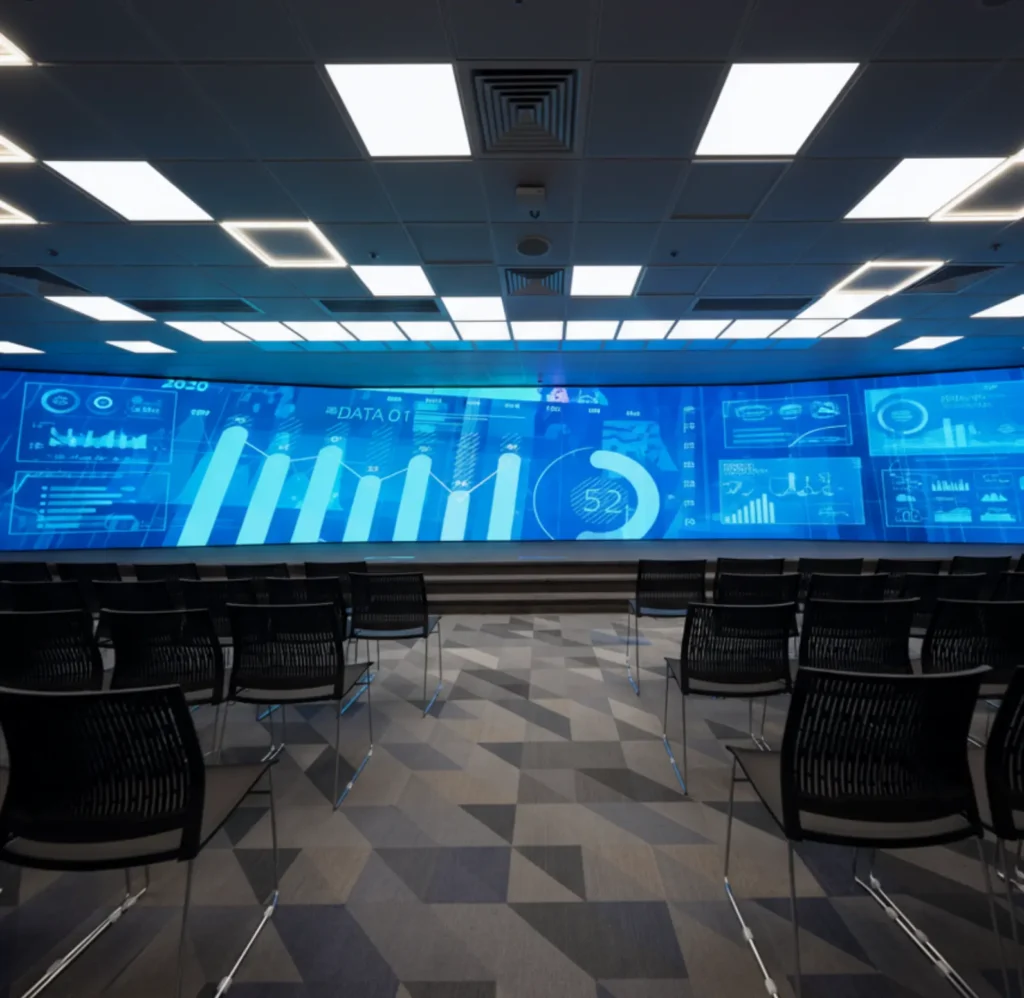
A centralized hub for monitoring school activities and security has become a part of campus management. An education LED display, installed in this space, can significantly enhance operational efficiency and provide a clear and centralized display for monitoring and decision-making.
What lt can display:
High-resolution LED screens can support multiple video inputs for tracking movements in crowded areas like lobbies, hallways, and playgrounds.
Common Questions
An education LED screen is a customized digital display that uses light-emitting diode (LED) technology specifically designed to meet the demands of the educational environment. It’s essentially a highly efficient, large-format visual tool that creates displays and supports multimedia functions like videos, images, and presentations.
Unlike traditional projectors or monitors, LED displays are more advanced in offering high-quality visuals, durability, and versatility. They are widely used in schools, colleges, training centers, and universities to present lessons, share announcements, and improve learning.
Key Characteristics of Education LED Screens
- 1) Multimedia Content Display: Showcase videos, images, presentations, and animations to create dynamic and engaging lessons or campus updates.
- 2) Real-Time Information Sharing: Provide real-time updates on announcements, schedules, events, and emergency alerts, ensuring everyone on campus is informed instantly.
- 3) Event Broadcasting: Live stream and broadcast school events, sports matches, cultural programs, or guest lectures to large audiences in gyms, auditoriums, or other common areas.
- 4) Visual Teaching Tool: Enhance classroom sessions by presenting high-resolution visuals, diagrams, graphs, and subject-related multimedia for better learning experiences.
- 5) Showcase Achievements and Campaigns: Display school accomplishments, student awards, teacher recognitions, and campus-wide initiatives to foster a sense of pride among students and staff.
- 6) Collaborative Group Activities: Facilitate collaborative learning and group discussions by enabling students to work on the screen together during lessons.
- 7) Security and Monitoring Integration: Assist in campus security by integrating with CCTV feeds in the monitoring center, displaying real-time visuals that ensure better safety management.
- 8) Reduced Paper Usage: Eliminate the need for printed posters, notices, and announcements, contributing to eco-friendly and sustainable campus initiatives.
When it comes to the brightness of the LED screen for education. There are generally two options that need to be considered: indoor or outdoor.
Indoor LED Displays
Brightness is usually set between 200 nits and 1000 nits. General waiting areas commonly require 500-700 nits for clarity, while classrooms, where prolonged viewing is expected, benefit from higher settings of 700-800 nits to reduce eye strain.
In dimly lit areas like the School Lecture Halls, lower brightness can be used to minimize eye fatigue.
Outdoor LED Displays
Outdoor displays operate at significantly higher brightness levels, typically ranging from 5000 nits to 10,000 nits, to counteract strong sunlight and ensure visibility.
Large-scale outdoor screens, like those installed at school entrances, Sports halls, or playgrounds, require such high brightness to remain clear.
Yes, education LED screens do support 2K(1920×1080px), 4K(3840×2160px), and 8K(7680×4320px) resolutions.
The best viewing distance of education LED screens is significantly influenced by the pixel pitch, which refers to the distance between the centers of adjacent pixels.
Generally, LED screens with a smaller pixel pitch (e.g., P1.25, P1.5, P1.8) are suitable for close viewing distances, providing a more detailed and refined image quality. Conversely, those with a larger pixel pitch (e.g., P3, P4) are better suited for distant viewing, as they can maintain clarity over larger viewing areas.
The optimal viewing distance can be calculated using the following formula:
Best Viewing Distance (meters) = Pixel Pitch (mm) × Viewing Distance Factor
Viewing Distance Factor is typically between 1 and 3.
For example, in a P1.5 wedding LED display, the best viewing distance is 1.5m(1*1.5) to 4.5m(3*1.5).
Education LED displays can be controlled through several methods, each offering unique advantages:
1. Synchronous Control Using a Computer
This method involves connecting the LED display to a computer, allowing real-time control over the content displayed.
Features:
- Real-Time Updates: Content can be changed instantly, responding to immediate needs or announcements.
- Rich Media Support: Capable of displaying videos, images, and other multimedia formats for engaging presentations.
- Centralized Control: Ideal for large displays in high-traffic areas, ensuring consistent and coordinated messaging.
2. Asynchronous Control Using a Media Player (Offline Mode)
In this setup, content is preloaded onto a media player connected to the LED display, allowing it to operate independently from a computer.
Features:
- Offline Functionality: Displays can run pre-set content without needing a continuous internet connection.
- User-Friendly Interface: Easily editable through simple interfaces, making it accessible for staff to manage.
- Scheduled Playlists: Content can be scheduled to play at specific times, allowing for organized displays of information.
3. Cloud Management Using 4G/5G with Internet
This control method leverages cloud technology to manage multiple LED displays from a centralized platform via mobile networks.
Features:
- Remote Accessibility: Administrators can update and manage content from anywhere, making it highly flexible.
- Scalability: Suitable for hospitals with multiple branches or facilities, enabling centralized control for all connected displays.
- Automated Content Scheduling: Allows for dynamic content updates based on schedules, events, or real-time changes without manual intervention.
Education LED screens can be installed using various methods, each suited to specific environments and requirements. Here are the main installation ways:
Here are the most used ways:
1. Hanging Installation
LED screens are suspended from the ceiling using mounts or brackets, ideal for large spaces where wall space is limited.
- Enhanced Visibility: Hanging displays can be positioned to maximize visibility from various angles, ensuring that information can be seen by a large audience.
- Out of the Way: This installation method clears floor space and avoids obstacles, making walkways safer in busy environments.
- Flexible Arrangement: Allows for creative display configurations, particularly in open-concept areas like hospitals Lobbies or multi-functional spaces.
2. Standing Installation
These installations involve LED screens placed on stands or pedestals, allowing for mobility and flexibility in positioning.
- Portability: Free-standing displays are easily movable,allowing hospitals to adjust their placement as needed for events or changing environments.
- Accessibility: Can be placed in locations where wall mounting is impractical, providing visibility in open areas like waiting lounges or surgical unit entrances.
- Customizable Heights: Stands can be adjusted to different heights, ensuring that the display is accessible to all patients and visitors
3. Wall-Mounted Installation
LED screens are directly attached to walls, often in high-traffic areas like lobbles, waiting rooms, or corridors.
- Space-Saving: Wall-mounted installations save floor space, making them ideal for areas with limited room.
- Fixed Positioning: Ensures stability and consistent visibility, as screens can be installed at eye level for optimal viewing.
- Safe: Safer for the elderly, patients, children, and doctors.
- Aesthetic Integration: Can be integrated into hospital decor, providing a clean and professional appearance.
The price of a bar LED screen can vary widely depending on several factors such as the size, resolution, type of LED screen, customization, and installation method.
Here is an approximate price guide for wedding LED screens based on different sizes and configurations:
- Small Indoor LED Screens (2-5 square meters, P1.25, P2, 2.5 or P3 or P4 or P5) : Price: $1,500 to $5,000.
- Medium Indoor LED Screens (5-10 square meters, P2.5 or P3 or P4 or P5): Price: $5,000 to $15,000.
- Large Indoor LED Screens (10-20 square meters, P2.5 or P3 or P4 or P5): Price: $15,000 to $30,000 or more.
For creative shape LED screens for weddings, the price will be higher as need more production processes and customized work.
For knowing how to get the LED screen price, check here.