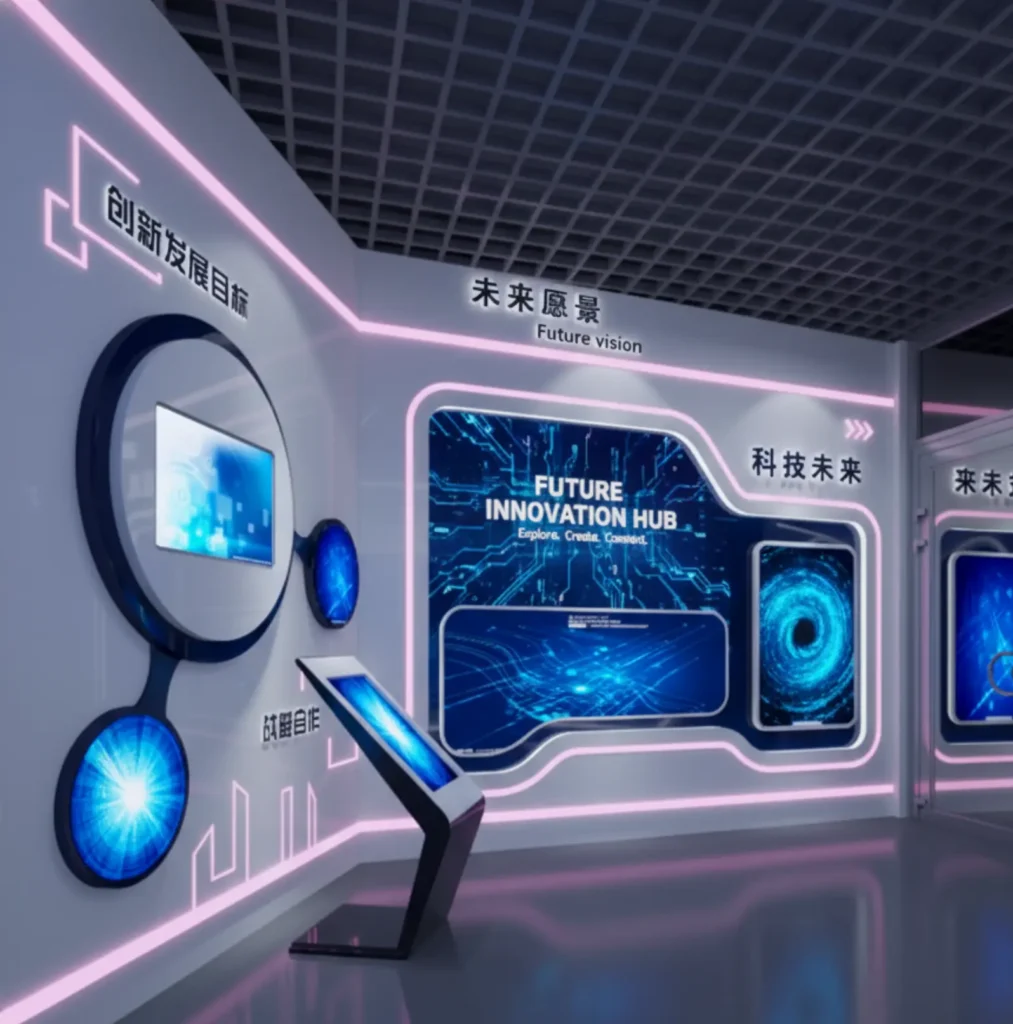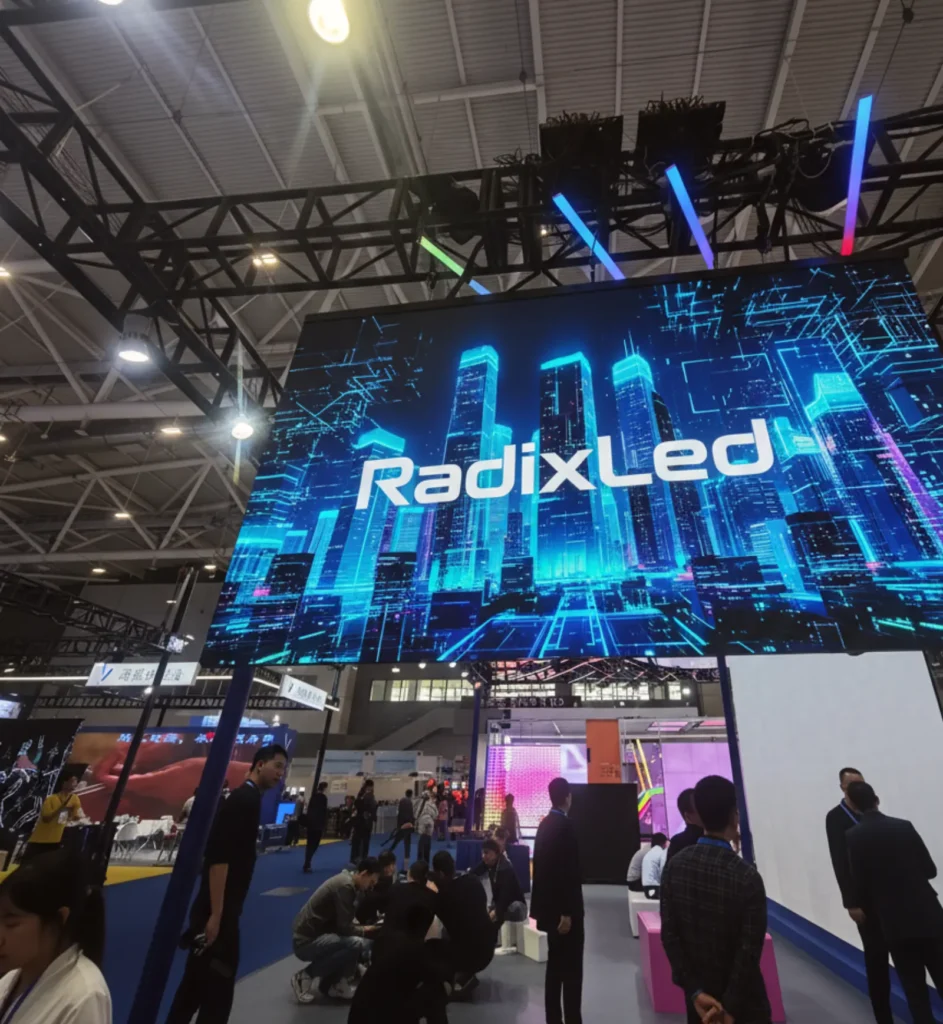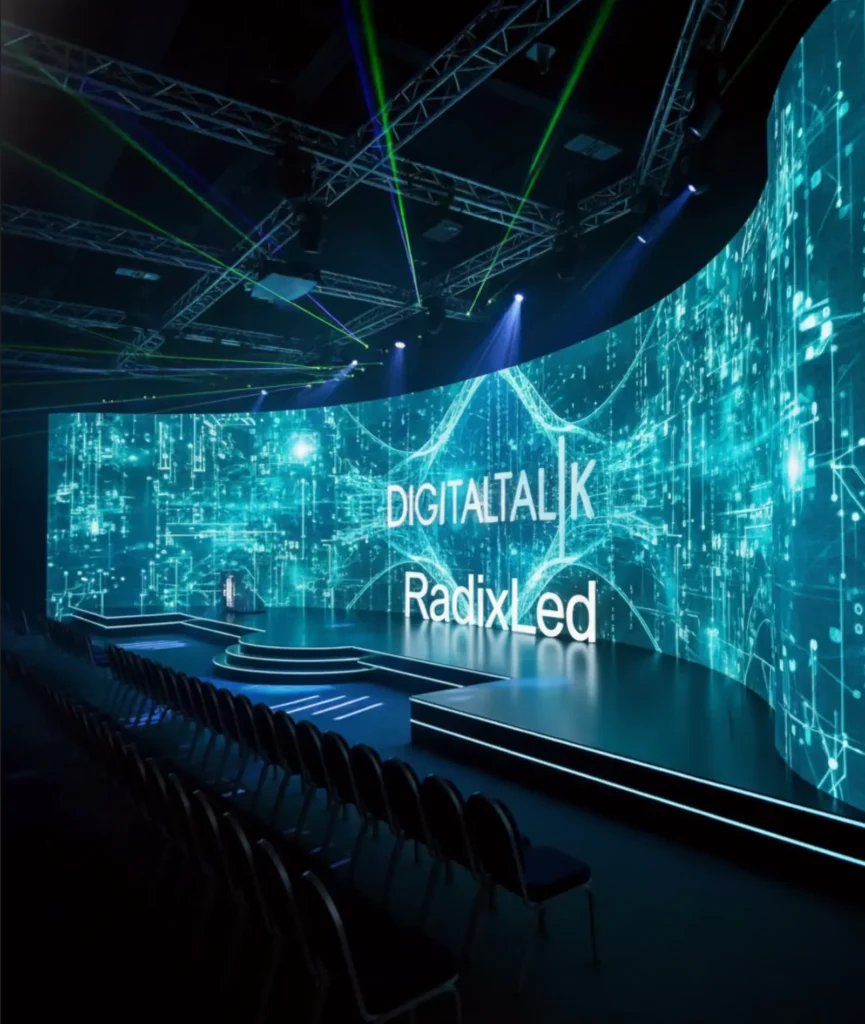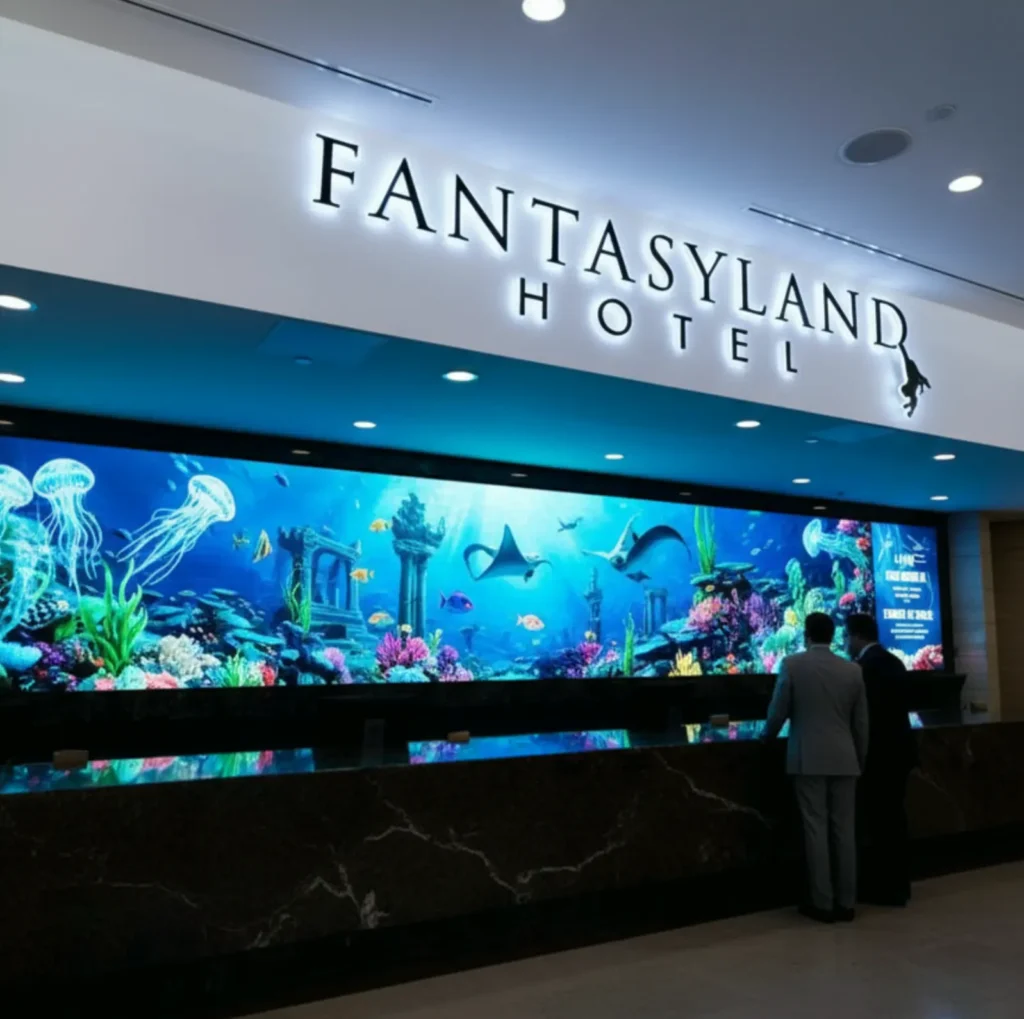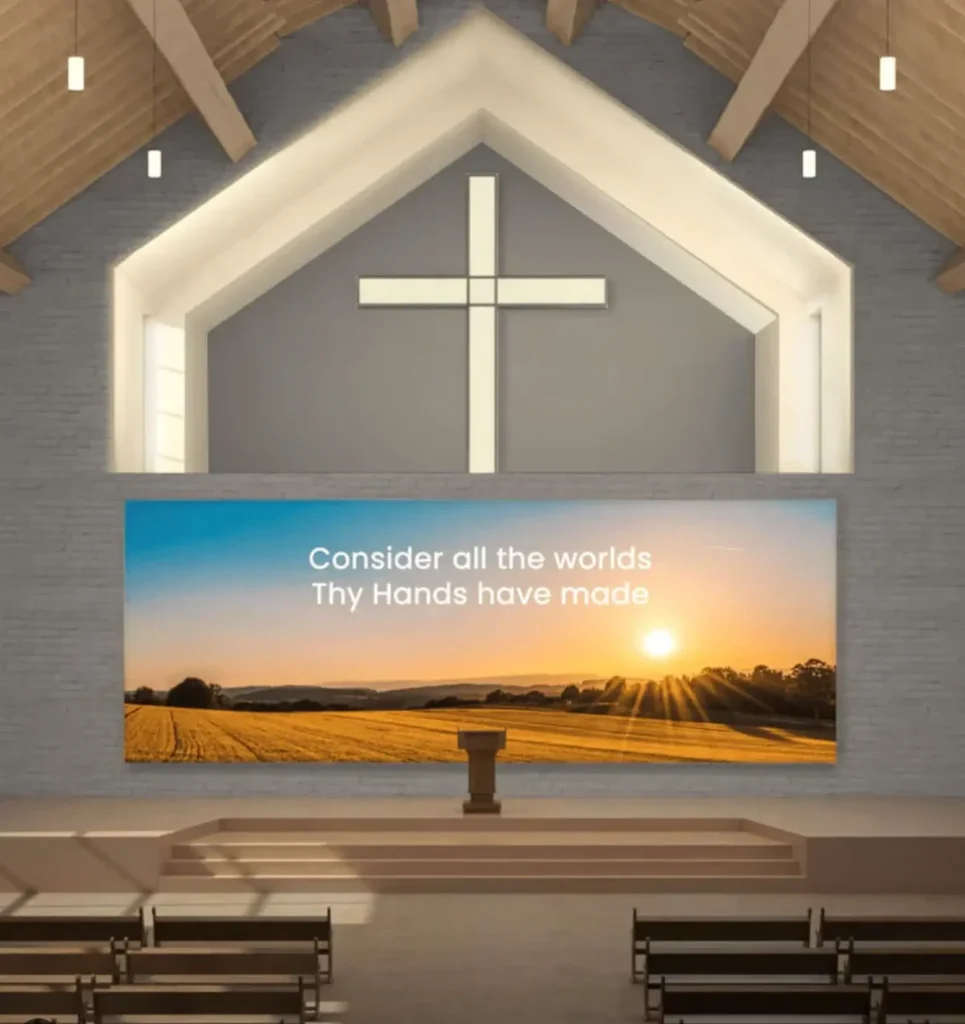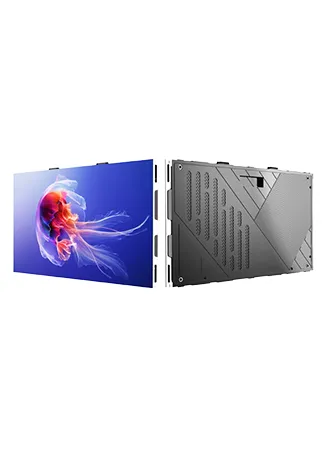
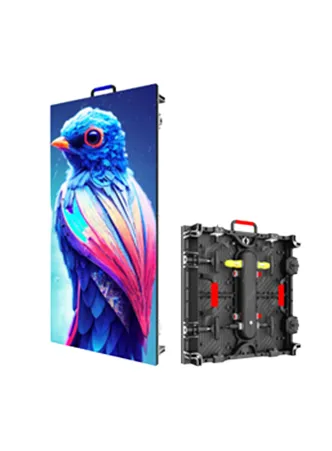
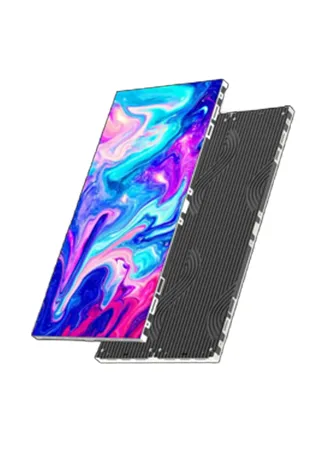
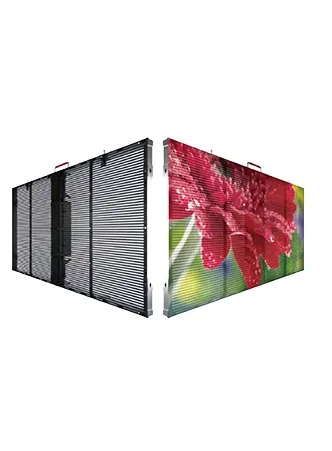
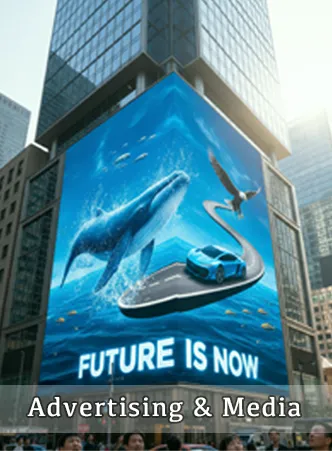
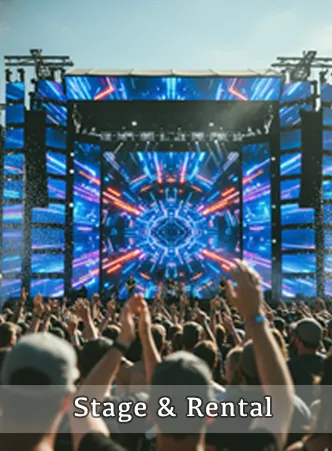
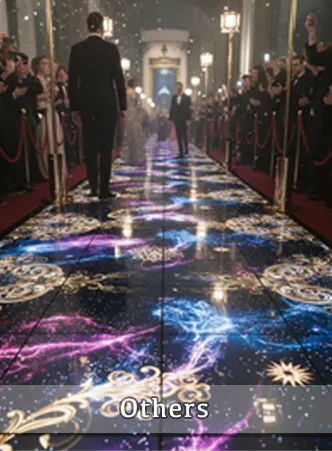
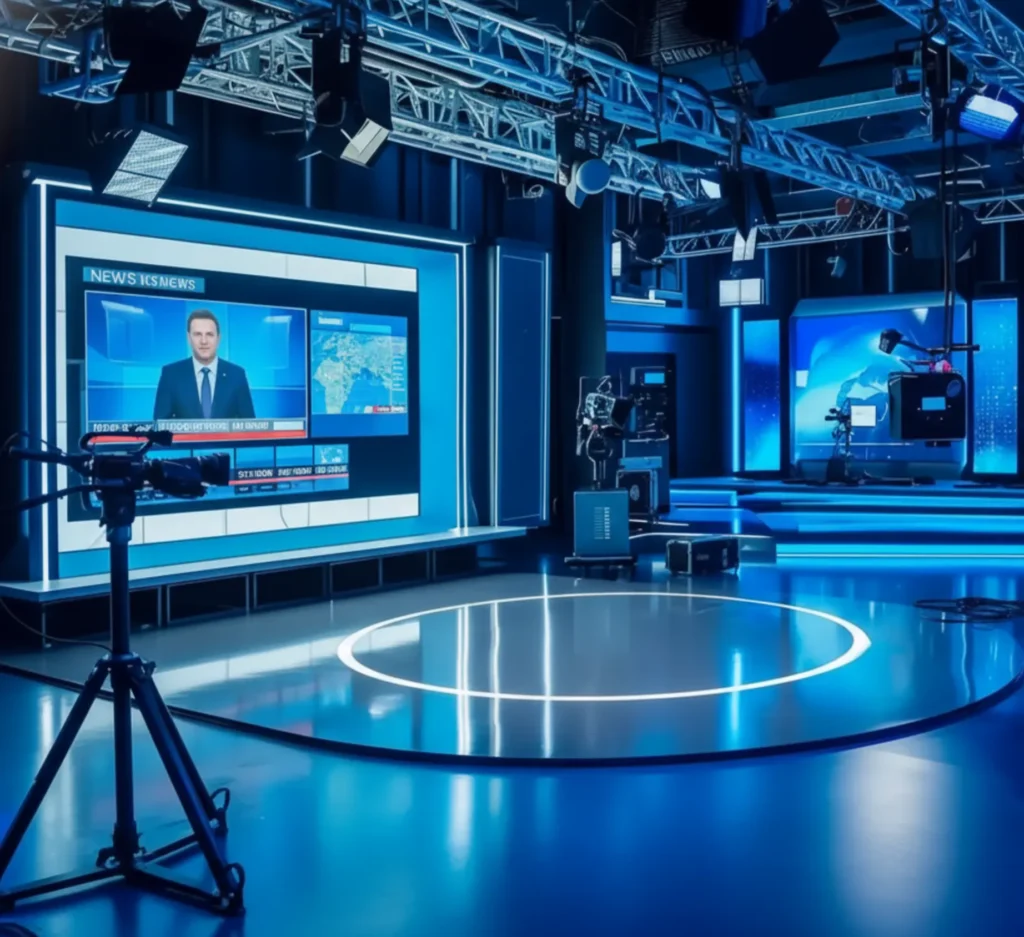
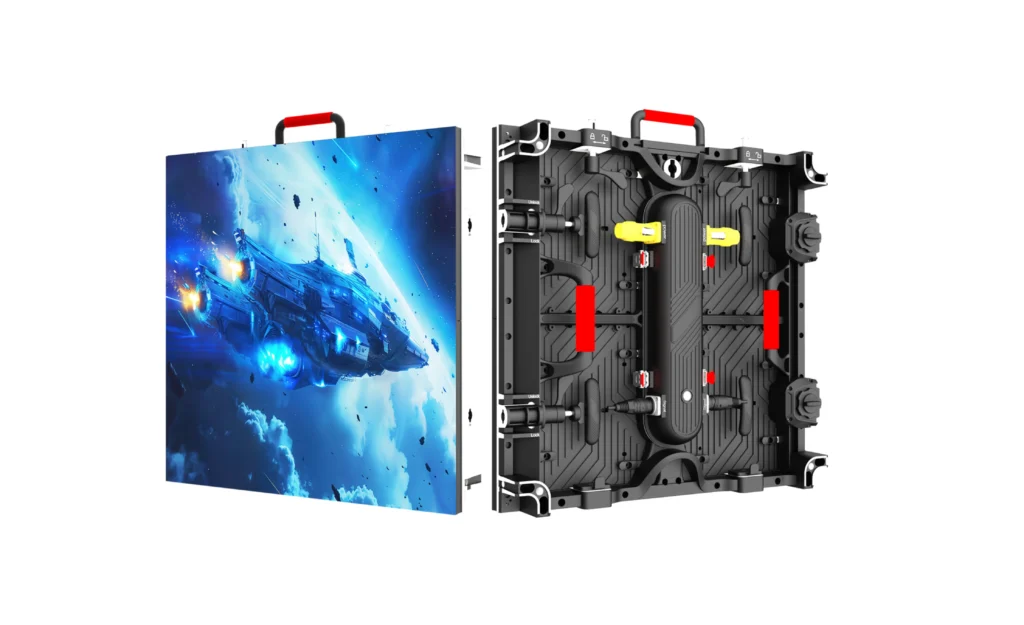
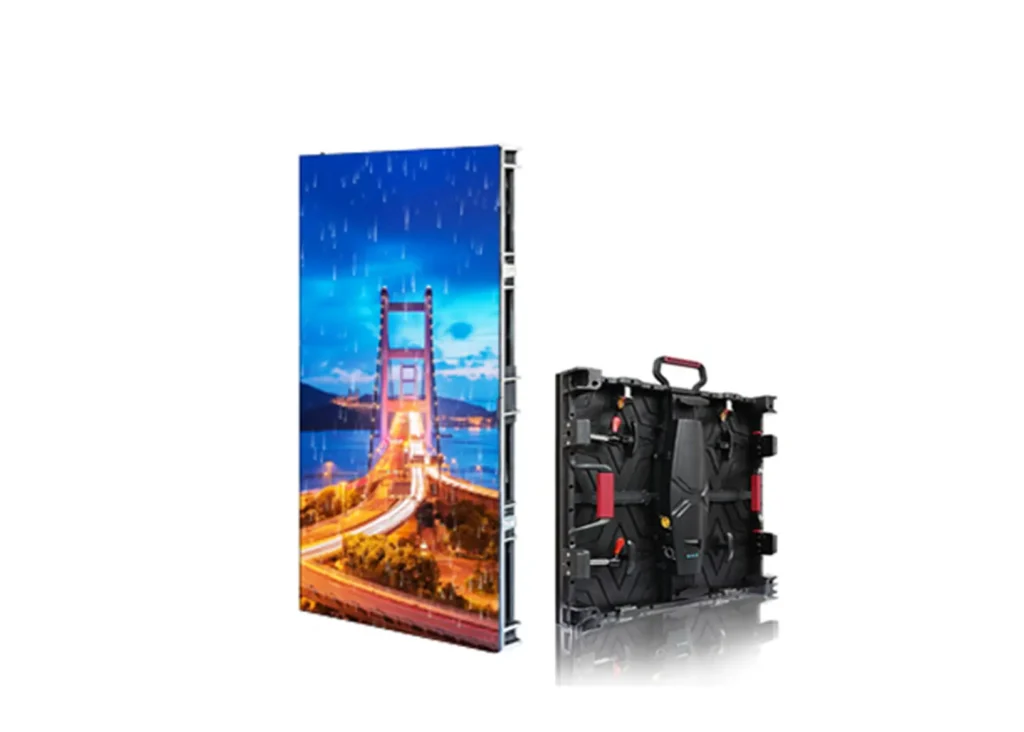
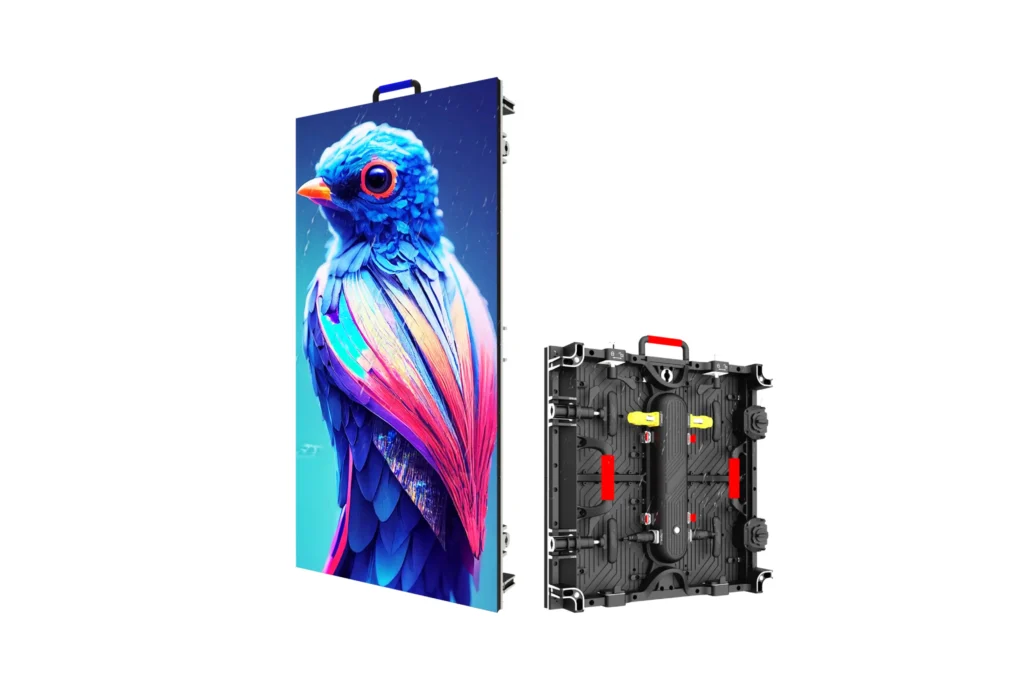
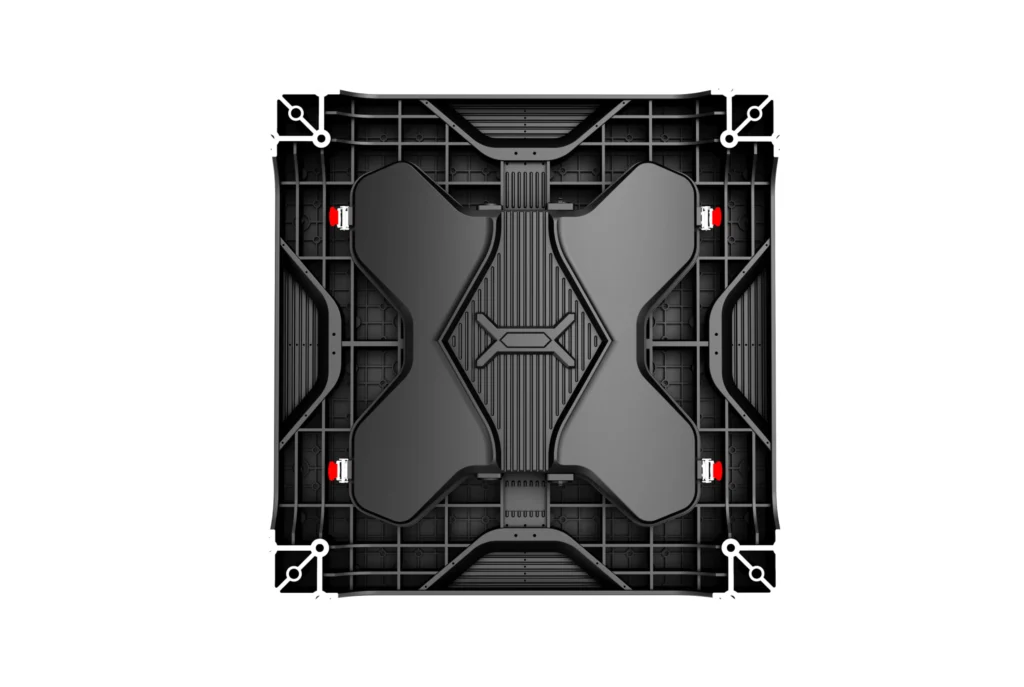
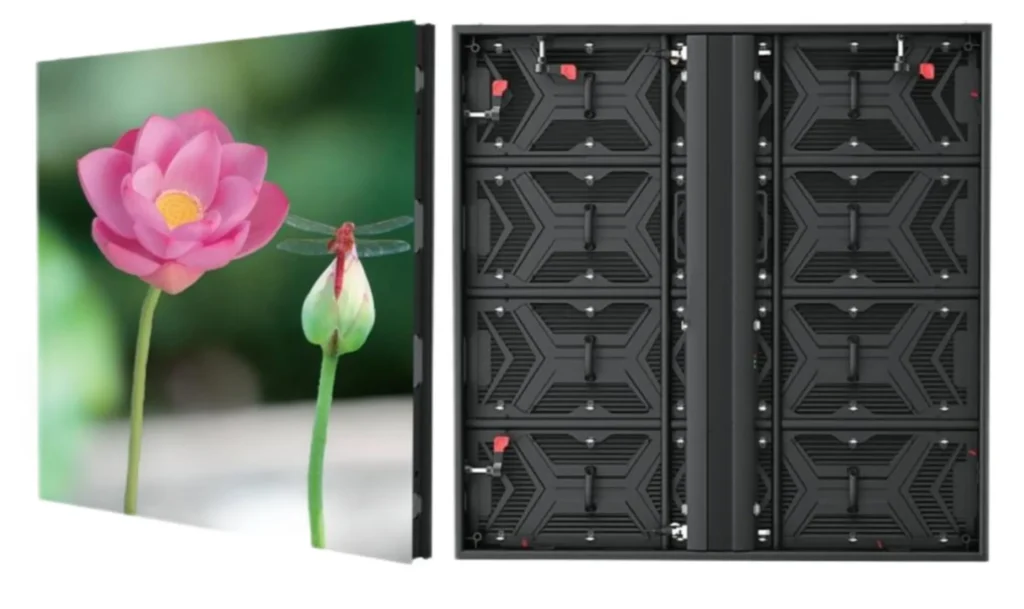
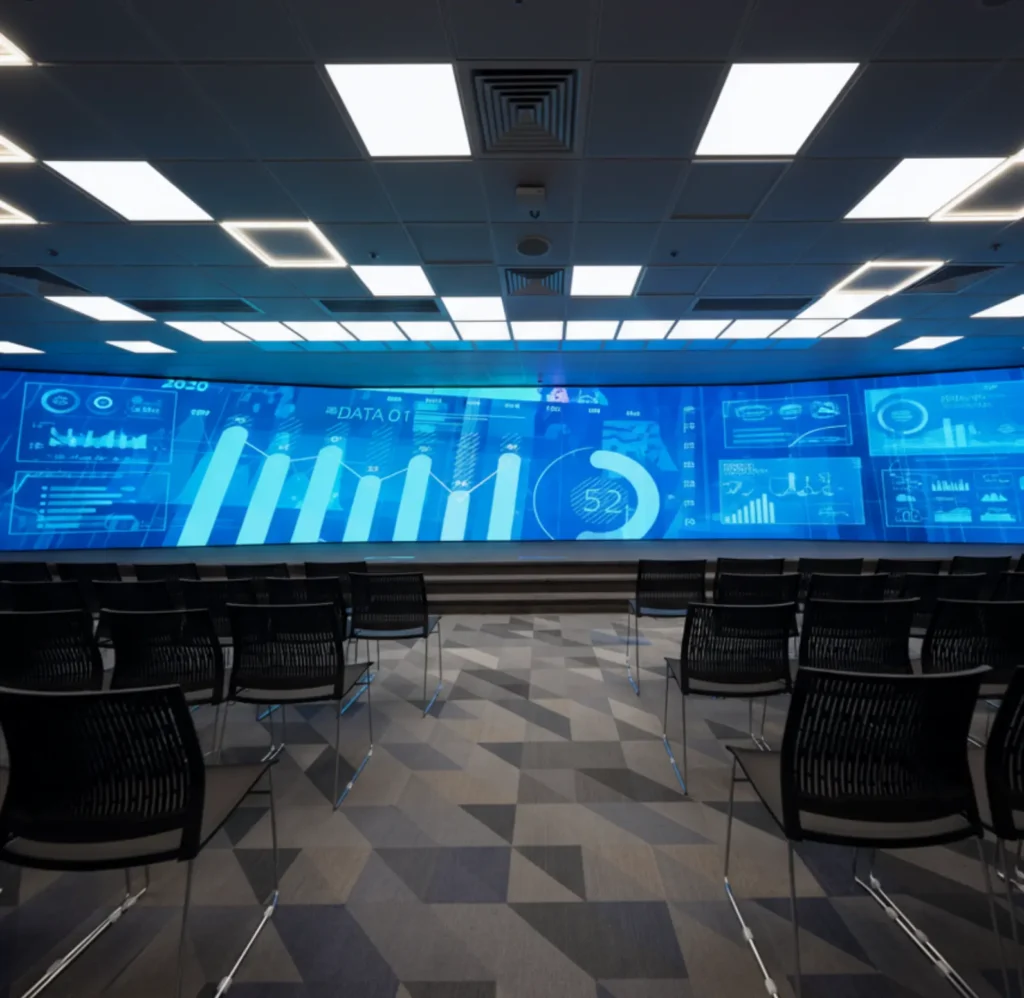
The TV Studio LED Screen provides a high-resolution capability, including 4K and 8K, delivering crystal-clear images, allowing every detail to be seen with precision. It offers seamless playback of images and videos, making it an ideal choice for any TV studio production. From live performances to talk shows and news broadcasts, the LED display transforms the studio into a captivating visual spectacle.
- High brightness, high greyscale level
- Wide viewing angle. 160-degree visibility
- Multiple control ways WIFI/LAN/4G/USB
- Highly stable driver ICs for better color uniformity and vibrant images
- Designed with the latest SMD/GOB encapsulation, offering an excellent full-color present.
- High contrast ratio over 5000:1 to deliver vibrant colors.
- High refresh rate with over 1920hz to 7680Hz to allow flicker-free
- High-definition visual performance.
- Support multiple display formats such as text, image, video, docs, etc
- Pixel pitch P10, P8, P5, P4, P2.5, P2, P1.25, P1.5, P1.8, P1.6, P1.9 etc available.
Why You Need LED Display for TV Studio ?
In the fast-paced world of television and broadcasting, having LED Screens can significantly influence a production’s success.
Enhanced Visual Quality
High-definition displays provide clarity and detail that traditional screens cannot match. With an LED display, images and graphics appear sharper and more vibrant, which can greatly enhance the viewing experience.
Cost-Effective Solutions
While the initial investment in a quality LED display might seem substantial, the long-term savings on energy bills, maintenance, and long life expectancy make it a cost-effective solution over time.
Real-time Updates
With LED technology, studios can update information in real-time, which is particularly beneficial for news broadcasting where content needs to be current.
Flexibility and Versatility
LED displays can adapt to various types of content, including live feeds, graphics, animations, and more. This versatility makes them suitable for different segments and styles of programming.
4K and 8K Display Support
LED displays offer support for 4K and even 8K resolutions, which are becoming industry standards for high-quality broadcasting. This support allows for incredible detail and clarity, especially important in live sports and high-definition video productions.
Enhanced Professional Image
Using LED displays can elevate the overall ambiance and sophistication of the studio. A modern and professional-looking studio design not only attracts viewers but also builds trust and credibility with audiences.
Related Products
XR Series
R Series Outdoor
R3 Series Outdoor
LED Dance Floor
Double-sideed
Ti Series
Where to Install TV Studio LED Screen
Main Studio Set
The primary location for a TV studio LED display is of course on the main set. It serves as a dynamic backdrop for anchors and presenters, helping to elevate the overall production quality.
What It can display:
- Serves as a dynamic backdrop for news anchors, presenters, and performers.
- Displays graphics, animations, and real-time updates, enhancing the overall visual storytelling.
- Creates an immersive atmosphere that engages viewers both in-studio and at home.
Control Rooms
LED displays can be used in control rooms to monitor live feeds, graphics, and communication signals, allowing producers and directors to manage broadcasts more effectively.
What It can display:
- Provides producers and directors with live feeds and monitoring capabilities.
- Displays critical information and data analytics, allowing for quick decision-making.
- Faciltates seamless switching between camera angles and sources for live broadcasting.
Post-Production Environments
In post-production settings, LED displays can be used for reviewing and editing content,providing high-resolution clarity to ensure products meet broadcast standards.
What It can display:
- Facilitates review sessions for editing content, ensuring that post-production standards are met.
- Displays high-resolution footage for color grading and quality checks.
- Assists in finalizing graphics and layouts before broadcasts, ensuring visual consistency across all platforms.
Audience Areas
In studios with live audiences, placing LED displays can ensure that attendees can follow along with content being presented, making the experience more inclusive.
What It can display:
- Ensures that live audiences can follow along with the broadcast content, enhancing their experience.
- Displays subtitles, graphics, or additional information to keep the audience engaged.
- Offers advertising information to improve ROI.
Lobby Areas
Installed in the lobby or entryway, LED displays can showcase news highlights, upcoming shows, or promotional material, engaging visitors as they arrive.
What It can display:
- Showcases highlights, upcoming shows, and news, attract visitors as they enter the premises.
- Serves as a digital signage platform for promotional material and community events.
- Enhances the professional appearance of the studio, conveying a modern image to guests.
Production Offices
LED displays can also be placed in production offices to enable quick access to real-time updates from the studio, enhancing communication among teams.
What lt can display:
- Displays project updates, schedules, and critical information for team members,improving communication and collaboration.
- Provides a visual reference for broadcast content, helping teams review and finalize segments.
- Serves as a space for briefings and discussions, making it easier to share visual assets among the team.
Common Questions
A TV studio LED display is a specialized screen technology used in broadcasting environments, designed to deliver high-quality graphics and visuals for various productions, such as news broadcasts, sports events, and entertainment shows.
These displays utilize Light Emitting Diodes (LEDs) as their core technology, known for their bright illumination and ability to create vibrant colors. They can be used for background displays, as dynamic visuals, or for displaying graphics, information, news, and live feeds.
Advantages of LED Technology: LED displays have several advantages over traditional display technologies like LCD and CRT. Key benefits include:
Real-time Content Updates
- TV Studio LED displays allow for real-time content updates, ensuring that exhibit information, announcements, and emergency alerts are always up-to-date.
4K and 8K Ultra HD Resolution
- Offering stunning 4K and 8K resolution, TV Studio LED screens deliver crisp, detailed visuals that bring artifacts, videos, and HD content to life.
Support for Multimedia Content
- These displays are compatible with various multimedia formats, including videos, images, animations, and audio.
Multiple Control Options: WIFI, Wireless, 4G, USB, Computer or mobile device access.
Wide Viewing Angle
- Featuring wide viewing angles, these displays ensure clear visibility from multiple perspectives. audiences can enjoy high-quality visuals regardless of where they are standing in front of the display, improving the overall experience in crowded studio spaces.
Energy Efficient Performance
- LED displays are designed to consume less energy compared to older technologies, reducing operating costs while providing bright, vivid visuals throughout the day.
Durable and Reliable for Long-Term Use
- Built with high-quality components, TV Studio LED video walls are highly durable and can withstand the demands of daily use.
When it comes to the brightness of the LED screen for museum. There are generally two options that need to be considered: indoor or outdoor.
Indoor LED Displays
Brightness is usually set between 200 nits and 1000 nits. General waiting areas commonly require 500-700 nits for clarity.
In dimly lit areas like the Exhibition Halls and Gallery Centers, lower brightness can be used to minimize eye fatigue.
Outdoor LED Displays
Outdoor displays operate at significantly higher brightness levels, typically ranging from 5000 nits to 10,000 nits, to counteract strong sunlight and ensure visibility.
Large-scale outdoor screens, like those installed at museum entrances, require such high brightness to remain clear.
Yes, TV Studio LED screens do support 2K(1920×1080px), 4K(3840×2160px), and 8K(7680×4320px) resolutions.
The best viewing distance of TV Studio LED screens is significantly influenced by the pixel pitch, which refers to the distance between the centers of adjacent pixels.
Generally, LED screens with a smaller pixel pitch (e.g., P1.25, P1.5, P1.8) are suitable for close viewing distances, providing a more detailed and refined image quality. Conversely, those with a larger pixel pitch (e.g., P3, P4) are better suited for distant viewing, as they can maintain clarity over larger viewing areas.
The optimal viewing distance can be calculated using the following formula:
Best Viewing Distance (meters) = Pixel Pitch (mm) × Viewing Distance Factor
Viewing Distance Factor is typically between 1 and 3.
For example, in a P1.5 wedding LED display, the best viewing distance is 1.5m(1*1.5) to 4.5m(3*1.5).
TV Studio LED displays can be controlled through several methods, each offering unique advantages:
1. Synchronous Control Using a Computer
This method involves connecting the LED display to a computer, allowing real-time control over the content displayed.
Features:
- Real-Time Updates: Content can be changed instantly, responding to immediate needs or announcements.
- Rich Media Support: Capable of displaying videos, images, and other multimedia formats for engaging presentations.
- Centralized Control: Ideal for large displays in high-traffic areas, ensuring consistent and coordinated messaging.
2. Asynchronous Control Using a Media Player (Offline Mode)
In this setup, content is preloaded onto a media player connected to the LED display, allowing it to operate independently from a computer.
Features:
- Offline Functionality: Displays can run pre-set content without needing a continuous internet connection.
- User-Friendly Interface: Easily editable through simple interfaces, making it accessible for staff to manage.
- Scheduled Playlists: Content can be scheduled to play at specific times, allowing for organized displays of information.
3. Cloud Management Using 4G/5G with Internet
This control method leverages cloud technology to manage multiple LED displays from a centralized platform via mobile networks.
Features:
- Remote Accessibility: Administrators can update and manage content from anywhere, making it highly flexible.
- Scalability: Suitable for hospitals with multiple branches or facilities, enabling centralized control for all connected displays.
- Automated Content Scheduling: Allows for dynamic content updates based on schedules, events, or real-time changes without manual intervention.
TV Studio LED screens can be installed using various methods, each suited to specific environments and requirements. Here are the main installation ways:
Here are the most used ways:
1. Hanging Installation
LED screens are suspended from the ceiling using mounts or brackets, ideal for large spaces where wall space is limited.
- Enhanced Visibility: Hanging displays can be positioned to maximize visibility from various angles, ensuring that information can be seen by a large audience.
- Out of the Way: This installation method clears floor space and avoids obstacles, making walkways safer in busy environments.
- Flexible Arrangement: Allows for creative display configurations, particularly in open-concept areas like hospitals Lobbies or multi-functional spaces.
2. Standing Installation
These installations involve LED screens placed on stands or pedestals, allowing for mobility and flexibility in positioning.
- Portability: Free-standing displays are easily movable,allowing hospitals to adjust their placement as needed for events or changing environments.
- Accessibility: Can be placed in locations where wall mounting is impractical, providing visibility in open areas like waiting lounges or surgical unit entrances.
- Customizable Heights: Stands can be adjusted to different heights, ensuring that the display is accessible to all patients and visitors
3. Wall-Mounted Installation
LED screens are directly attached to walls, often in high-traffic areas like lobbles, waiting rooms, or corridors.
- Space-Saving: Wall-mounted installations save floor space, making them ideal for areas with limited room.
- Fixed Positioning: Ensures stability and consistent visibility, as screens can be installed at eye level for optimal viewing.
- Safe: Safer for the elderly, patients, children, and doctors.
- Aesthetic Integration: Can be integrated into hospital decor, providing a clean and professional appearance.
The price of a TV Studio LED screen can vary widely depending on several factors such as the size, resolution, type of LED screen, customization, and installation method.
Here is an approximate price guide for TV Studio LED screens based on different sizes and configurations:
- Small Indoor LED Screens (2-5 square meters, P1.25, P2, 2.5 or P3 or P4 or P5) : Price: $1,500 to $5,000.
- Medium Indoor LED Screens (5-10 square meters, P2.5 or P3 or P4 or P5): Price: $5,000 to $15,000.
- Large Indoor LED Screens (10-20 square meters, P2.5 or P3 or P4 or P5): Price: $15,000 to $30,000 or more.
For creative shape LED screens for weddings, the price will be higher as need more production processes and customized work.
For knowing how to get the LED screen price, check here.
Three primary LED technologies are commonly used in TV studio LED screens: SMD (Surface Mounted Devices), GOB (Glue on Board), and COB (Chip on Board), each with unique features and advantages for specific applications.
SMD (Surface Mounted Devices)
- Produces uniform, high-quality visuals suitable for general-purpose broadcasting.
- Offers flexibility in pixel pitch (e.g., P1.5, P2.5) for varying viewing distances.
- Widely used in TV studios due to advanced brightness, and color consistency.
- Superior protection against environmental factors: dust, water, moisture, static, impact, blue light, oxidation, and vibrations.
- High reliability in harsh environments compared to traditional SMD technology.
- Particularly effective in TV studios facing challenging conditions or frequent handling, as it prevents issues like dead or detached LEDs.
COB (Chip on Board)
- Durability: Highly resistant to damage like knocks and impacts.
- Enhanced Image Quality: Converts point light sources into surface light sources, resulting in softer visuals that reduce pixelation and provide a more visually comfortable experience.